With increasing numbers of jobs requiring employees to look at computer screens for extended periods every day at work it should come as no surprise that we are seeing increases in eye complaints.
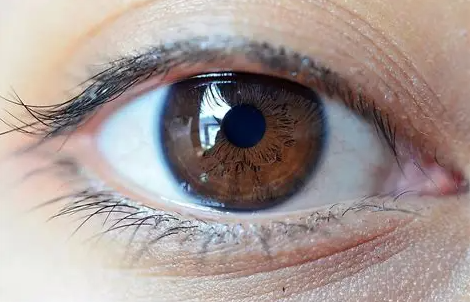
German researchers surveying more than 800 office workers found that 43% were experiencing eye complaints arising from the use of computers and other visual display terminals such as laptops, tablets and smartphones. The researchers said that the most common symptoms were worsening sight (49.6%), hot or burning eyes (48%), dry eyes, blurred vision, difficulties focusing for near vision, tearing, and headaches.
Eye problems related to computer and other screen use are generally grouped under the heading ‘computer vision syndrome’ (CVS) – sometimes also referred to as digital eye-strain. CVS is similar to a repetitive motion injury in that your eyes follow the same path over and over again when working with screens. Your eyes are constantly focussing and refocussing – along with the contrast, flicker and glare of the screen itself, this requires extreme levels of effort from your eye causing fatigue in the muscles that control your vision.
Compounding the problem, we blink far less frequently when using a computer, which causes the eyes to dry out and struggle with focus. Whilst the symptoms of CVS are usually temporary, they are uncomfortable and can disrupt your normal routine.
Treatment options for CVS include lubricating your eyes, correcting vision errors and adjusting your posture, routine and environment when using digital devices.
At our Computers and Eyesight - OHS Reps page and in the WorkSafe publication Office health and safety – A guide for employers you will find suggestions for maintaining good eye health, including –
- take regular breaks from close computer work during the day
- be aware of symptoms you may experience during or after computer work
- ensure your glasses/lens prescription is appropriate for close computer work
- try the 20-20-20 method – every 20 minutes look at something at least 20 metres away for about 20 seconds
- limit reflections and glare from windows and lights
- adjust screen brightness and contrast
- adjust text size – at least a size 12 font is more comfortable to read
- use eye drops if necessary to lubricate your eyes
Read more: Journal of Occupational and Environmental Medicine